Crossref members register around 37,000 records daily. All this metadata is openly shared with the global scholarly community through our free APIs. We receive over two billion calls to our API each month, signalling its use by hundreds of tools and services worldwide, supporting the discovery and assessment of scholarly metadata. As part of a new series in our blog, we will spotlight the diversity of tools and integrations that rely on Crossref metadata to serve the scholarly community. In this initial post, we chat to Luca Foppiano, the developer and maintainer of Grobid1, to learn about how Grobid uses Crossref metadata to improve the extraction and enrichment of bibliographic information from scholarly PDFs.
On behalf of the Nominating Committee, I’m pleased to share the slate of candidates for the 2026 board election. Every active member organisation is invited to submit a ballot to elect the incoming board class.
We’re providing a summary of the board’s July 2026 meeting. The July board meeting is our only in-person meeting. The board gathers for two days of strategic thinking and long-range planning, as well as conducting annual board business. This year, we focused on allocating surplus funds we have on hand to invest in a three-year project to redesign the content system. In a related discussion, we decided to lower content registration fees starting in 2027 because we’ve had a demonstrated history of generating surpluses, exceeding what we need to run Crossref. We also discussed the board structure, as part of our regular review of stakeholder governance. And we conducted annual board business, such as approving the audited financial statements and reviewed our risk register and mitigation plans.
The resolutions are available on the dedicated section of our website, which also lists the members of the Board and offers further information about our governance.
We also managed to squeeze in watching a World Cup game over dinner.
Starting today, funder names deposited in Crossref metadata without an identifier will be matched to ROR IDs, to support an open and connected Research Nexus. Funding information is an increasingly important part of the scholarly record. The improved matching strategy supports researchers, funders, institutions, and meta-researchers, who rely on that information to understand how research is supported and what outcomes that support produces.
In 2022, we flagged up some changes to Similarity Check, which were taking place in v2 of Turnitin’s iThenticate tool used by members participating in the service. We noted that further enhancements were planned, and want to highlight some changes that are coming very soon. These changes will affect functionality that is used by account administrators, and doesn’t affect the Similarity Reports themselves.
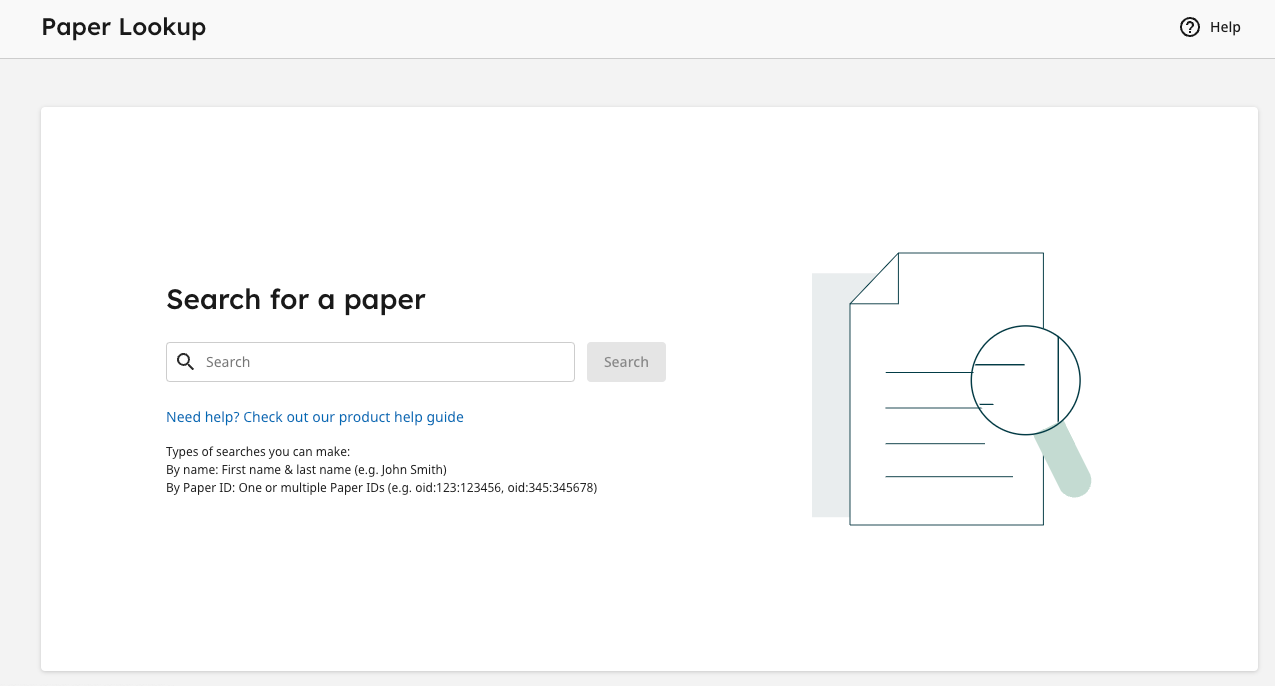
From Wednesday 3 May 2023, administrators of iThenticate v2 accounts will notice some changes to the interface and improvements to the Users, Groups, Integrations, Statistics and Paper Lookup sections.
Logging in
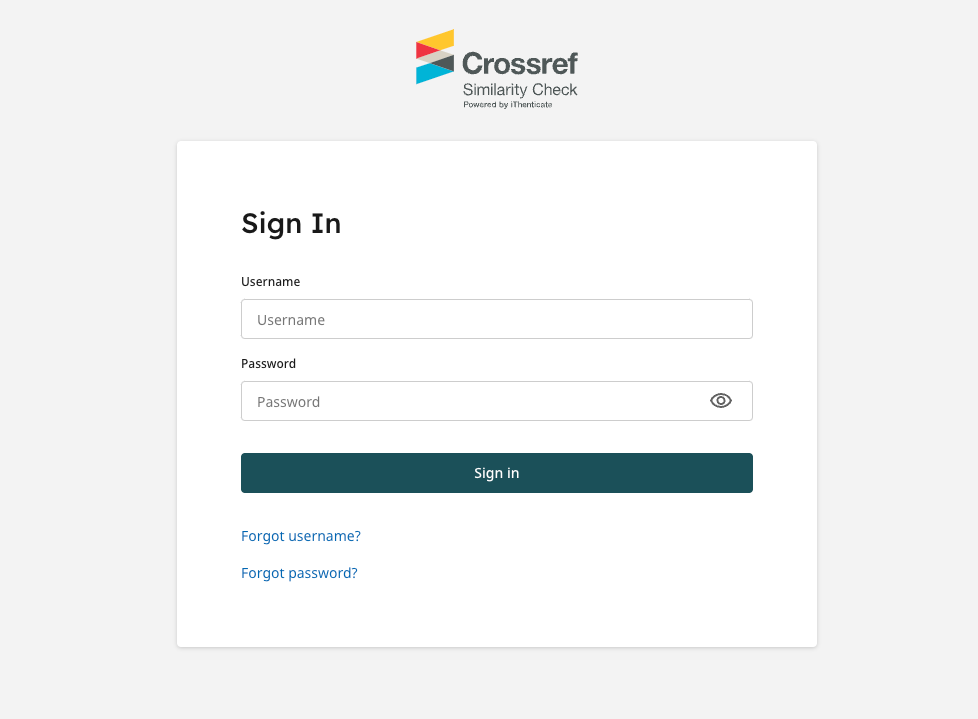
iThenticate v2 account administrators and browser users will see a new login page when logging in to iThenticate v2:
A refreshed interface
Once logged in to iThenticate v2, account administrators will see an updated design, with improved notifications to let them know whether a task/action has been successfully completed or not.
Users
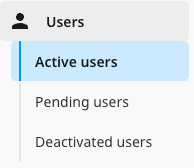
There will be improvements to the user management system for account administrators, including a much clearer navigation menu for managing active, pending and deactivated users.
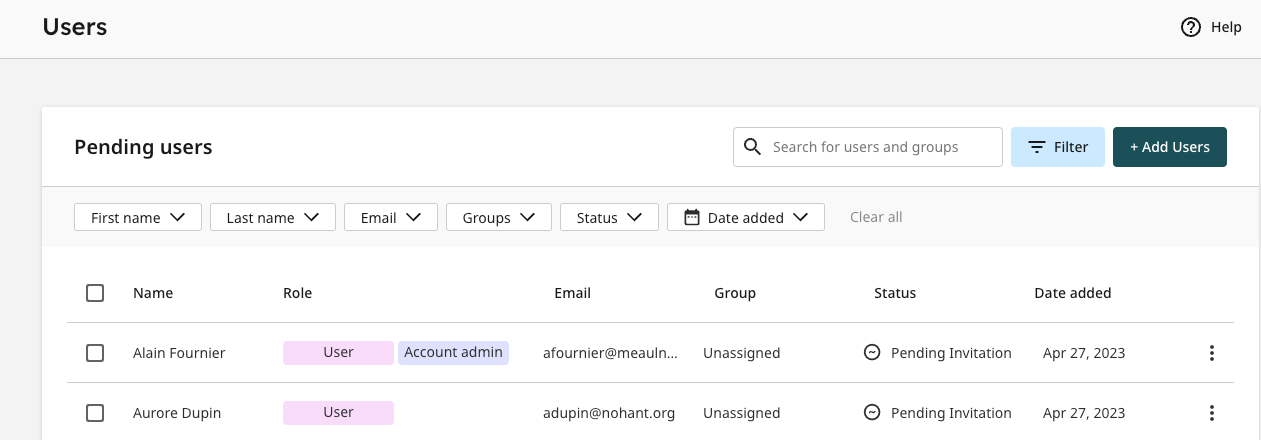
There will also be a filtering option on the Users page to search for active, pending and deactivated users by first name, last name, email address, group and date added. In addition coloured labels will be introduced to easily identify the level of access (or ‘Role’) for each user.
An improved bulk user import process will be available, with clearer guidance on any issues that may arise during the upload. This new development will also include new screens for adding and editing users with more notifications to help prevent mistakes.
Integrations
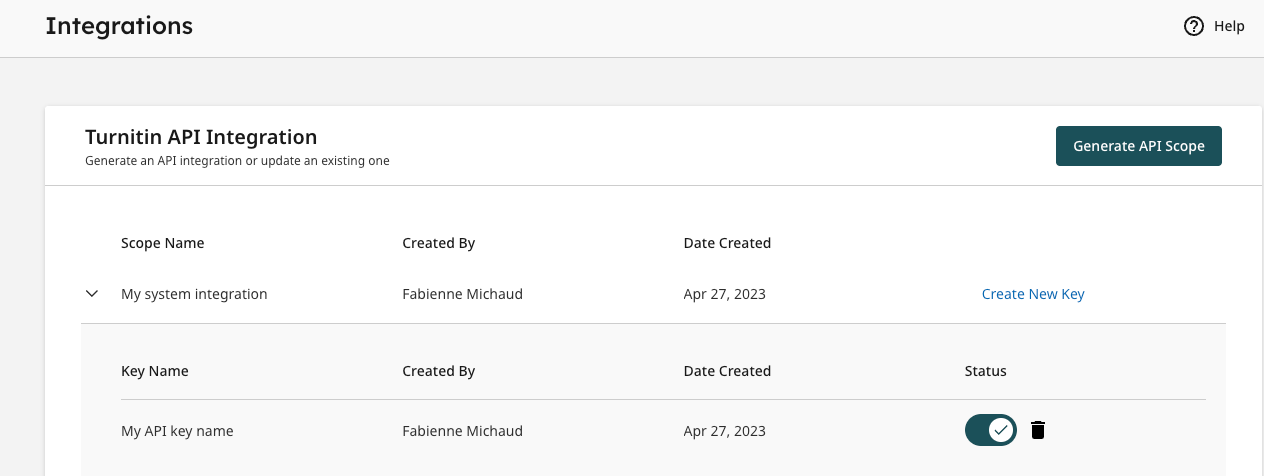
For account administrators managing peer review management system integrations and needing to generate API keys, the Integrations page will be improved to make copying API keys simpler.
Statistics
iThenticate v2 administrators will also notice some improvements to the Statistics page. Usage data should load faster and will be sortable by user group. They will also be able to generate large usage reports of over 100k submissions.
Paper lookup
The Paper lookup will allow iThenticate v2 account administrators to find submissions that have been made from any integration connected to their iThenticate v2 account. They can be found by searching the paper ID (or oid number) of the submission.
Please note: the ability to search for submissions by the user’s name is available for manuscripts submitted via the iThenticate v2 website only and not for papers submitted via an integration.
New password requirements
To improve the security of users’ accounts, new password requirements will be introduced, including a minimum of 8 symbols, 1 special symbol, 1 upper case letter, and 1 number.
Next in iThenticate v2
Turnitin, who produce iThenticate, are currently working on a number of new features and developments including an improved similarity report, paraphrase and AI writing detection. A detailed timeline is not yet available but we’ll be updating you on these new developments in the coming months.
✏️ Do get in touch via support@crossref.org if you have any questions about iThenticate v1 or v2 or start a discussion by commenting on this post below.
Related reading
Blog
Similarity check update: A new similarity report and AI writing detection tool soon to be available to iThenticate v2 users