Crossref members register around 37,000 records daily. All this metadata is openly shared with the global scholarly community through our free APIs. We receive over two billion calls to our API each month, signalling its use by hundreds of tools and services worldwide, supporting the discovery and assessment of scholarly metadata. As part of a new series in our blog, we will spotlight the diversity of tools and integrations that rely on Crossref metadata to serve the scholarly community. In this initial post, we chat to Luca Foppiano, the developer and maintainer of Grobid1, to learn about how Grobid uses Crossref metadata to improve the extraction and enrichment of bibliographic information from scholarly PDFs.
On behalf of the Nominating Committee, I’m pleased to share the slate of candidates for the 2026 board election. Every active member organisation is invited to submit a ballot to elect the incoming board class.
We’re providing a summary of the board’s July 2026 meeting. The July board meeting is our only in-person meeting. The board gathers for two days of strategic thinking and long-range planning, as well as conducting annual board business. This year, we focused on allocating surplus funds we have on hand to invest in a three-year project to redesign the content system. In a related discussion, we decided to lower content registration fees starting in 2027 because we’ve had a demonstrated history of generating surpluses, exceeding what we need to run Crossref. We also discussed the board structure, as part of our regular review of stakeholder governance. And we conducted annual board business, such as approving the audited financial statements and reviewed our risk register and mitigation plans.
The resolutions are available on the dedicated section of our website, which also lists the members of the Board and offers further information about our governance.
We also managed to squeeze in watching a World Cup game over dinner.
Starting today, funder names deposited in Crossref metadata without an identifier will be matched to ROR IDs, to support an open and connected Research Nexus. Funding information is an increasingly important part of the scholarly record. The improved matching strategy supports researchers, funders, institutions, and meta-researchers, who rely on that information to understand how research is supported and what outcomes that support produces.
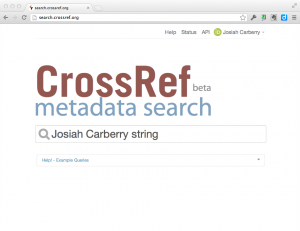
You can now easily search for publications and add them to your ORCID profile in the new beta of Crossref Metadata Search (CRMDS). The user interface is pretty self-explanatory, but if you want to read about it before trying it, here is a summary of how it works.
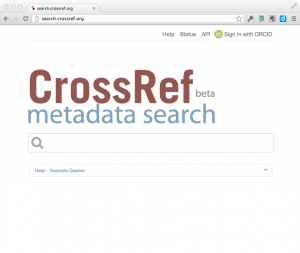
When you go to to CRMDS, you will see that there is now a small ORCID sign-in button on the top right-hand side of the screen.
click on thumbnail to see larger image
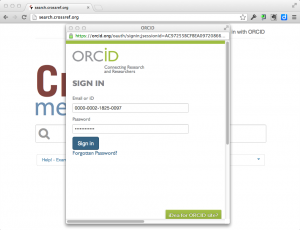
Clicking on this button allows you to connect CRMDS to your ORCID profile and authorises CRMDS to add publications to your profile. First, if you are not already logged into ORCID, CRMDS will ask ORCID to log you in:
click on thumbnail to see larger image
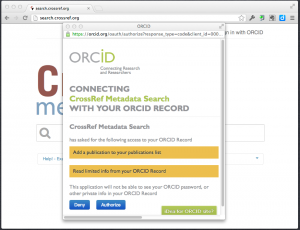
Once you have logged in, ORCID will ask you if you want to allow CRMDS to be able to view and update your ORCID profile:
click on thumbnail to see larger image
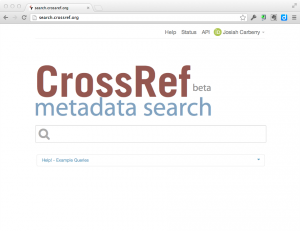
After you authorise CRMDS to access your profile, you will be returned to the CRMDS screen and the top right corner of the CRMDS page will indicate that you have connected to your ORCID profile (note, you can always de-authorise CRMDS from accessing your ORCID profile in your ORCID settings):
click on thumbnail to see larger image
Once you are logged in, you can enter search terms that are likely to return records of your publications:
click on thumbnail to see larger image
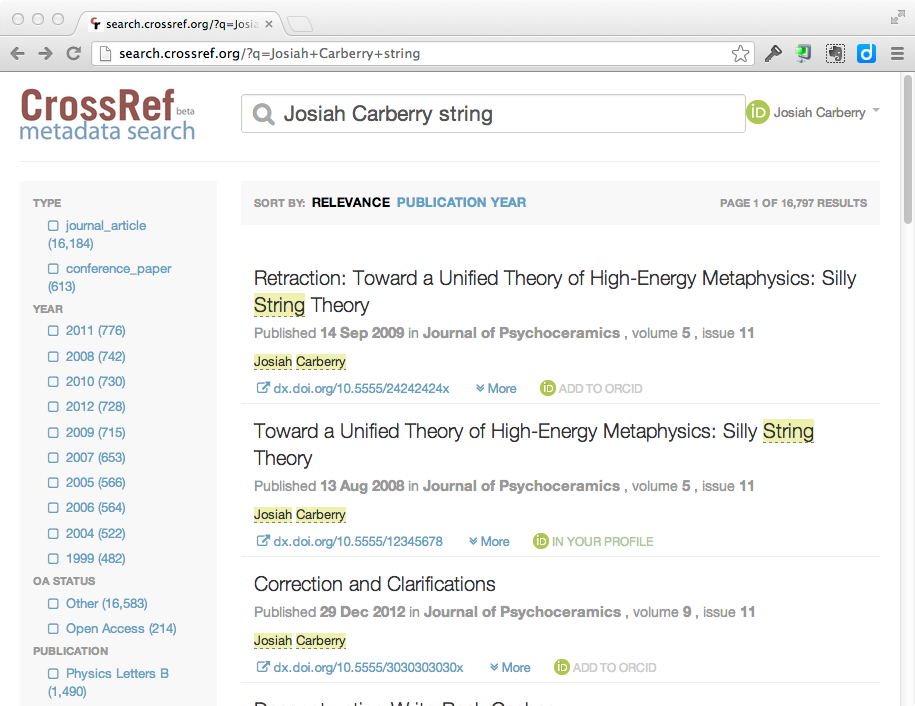
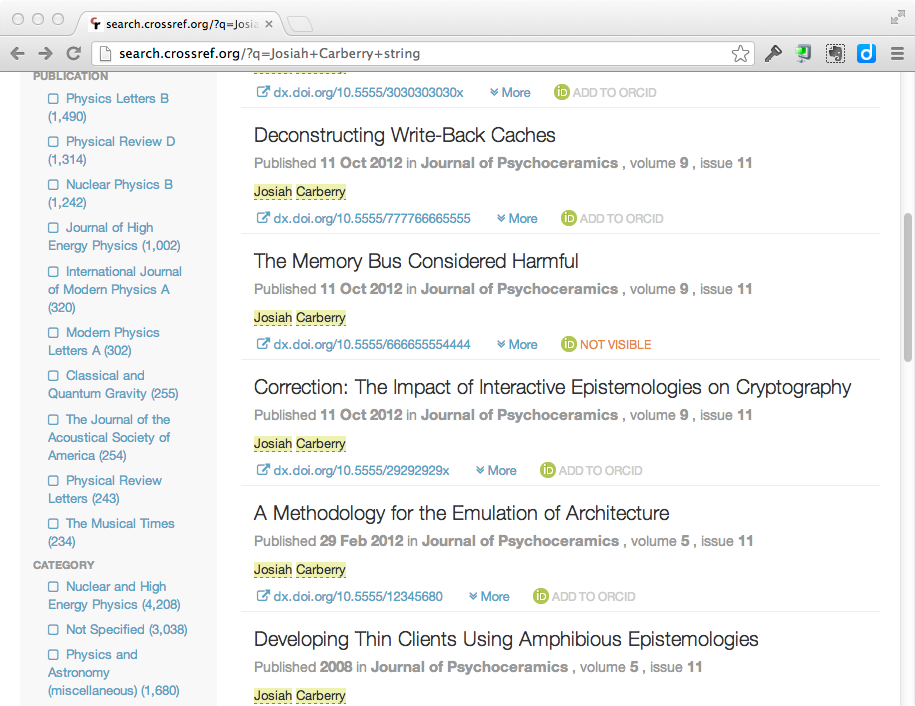
Each search result will show an icon telling you whether that particular item is visible in your ORCID profile. If the item is not in your ORCID profile, you see an icon like this:
And if the item is already in your ORCID profile, you will see an icon like this:
In the following search results you can see that 1 item is already in Josiah Carberry’s profile, and 2 items are not:
click on thumbnail to see larger image
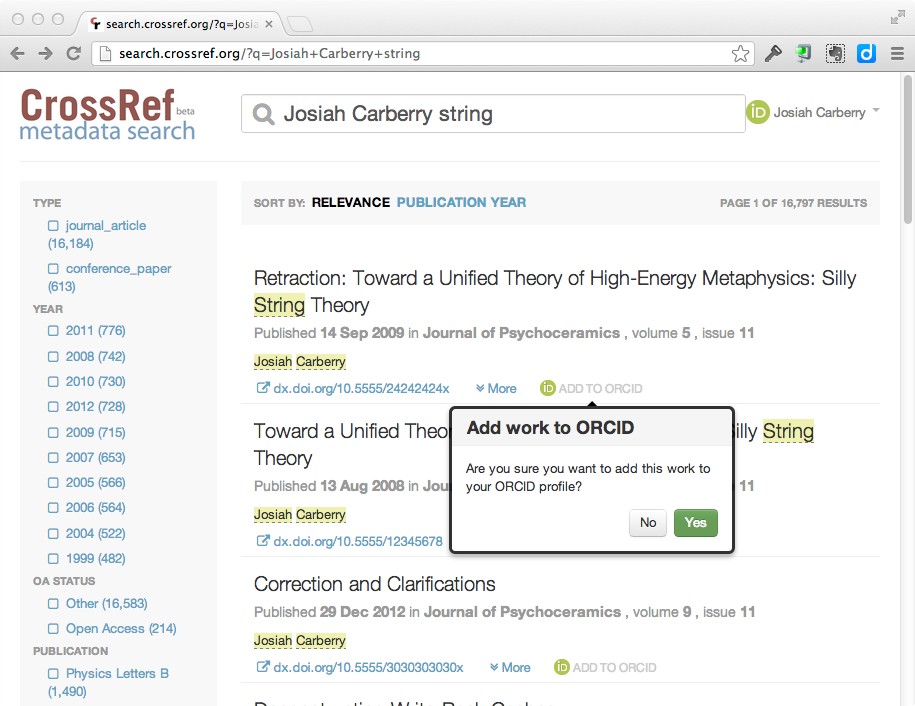
Clicking on the “Add to Profile” button will confirm that you want to add the specified publication to your ORCID profile:
click on thumbnail to see larger image
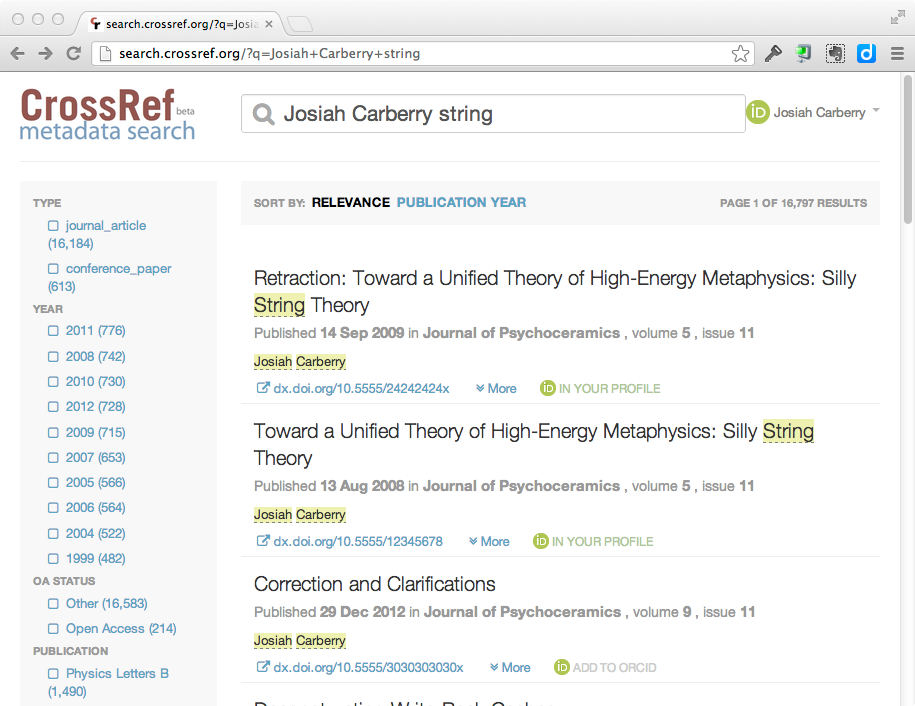
After clicking on “Yes” to add the publication to your profile, the search results will refresh to reflect that the item has been added.
click on thumbnail to see larger image
You can then just continue searching for and adding any publications that are not in your ORCID profile.
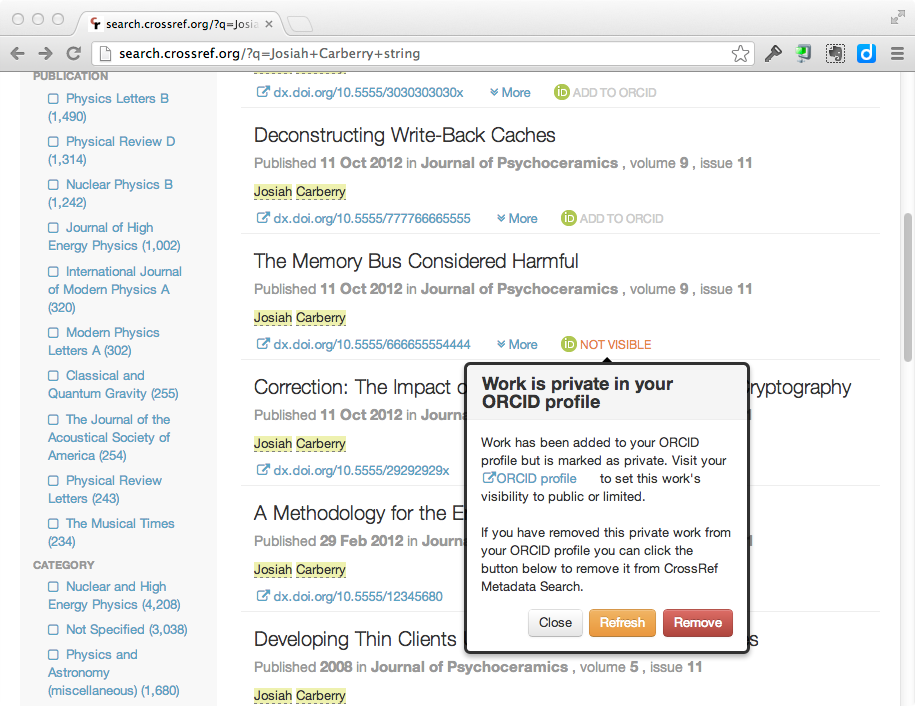
Note that, occasionally, you may see an orange icon that says that an item is “Not Visible”
click on thumbnail to see larger image
This only occurs when you have previously added an item to your profile using CRMDS and then either:
Set the ORCID privacy for that particular work item to “Private” in your ORCID profile.
Deleted the work from your ORCID profile.
Unfortunately, CRMDS has no way to determine which of these two events occurred However, If you click on the “Not Visible” icon, you will be prompted with two ways to resolve this issue. Either you can:
Reset the privacy settings on the specified work to “Public” or “Limited”
Confirm to CRMDS that you have deleted the item from your profile.
click on thumbnail to see larger image
If the issue was your privacy settings, then once you have changed the privacy settings to public/limited you can simply click on the “Refresh” button and CRMDS will reflect the correct status of the work.
The best way to avoid this kind of confusion is to go to your ORCID settings and set the default privacy level for “works” to either “limited” or “public.”
Crossref Metadata Search is still a “Crossref Labs” project and, as such, we are very interested to hear feedback on this new ORCID functionality for CRMDS. Please send comments, etc. to:
Related reading
Blog
Crossref & the Art of Cartography: an Open Map for Scholarly Communications